Pick by Refractionist
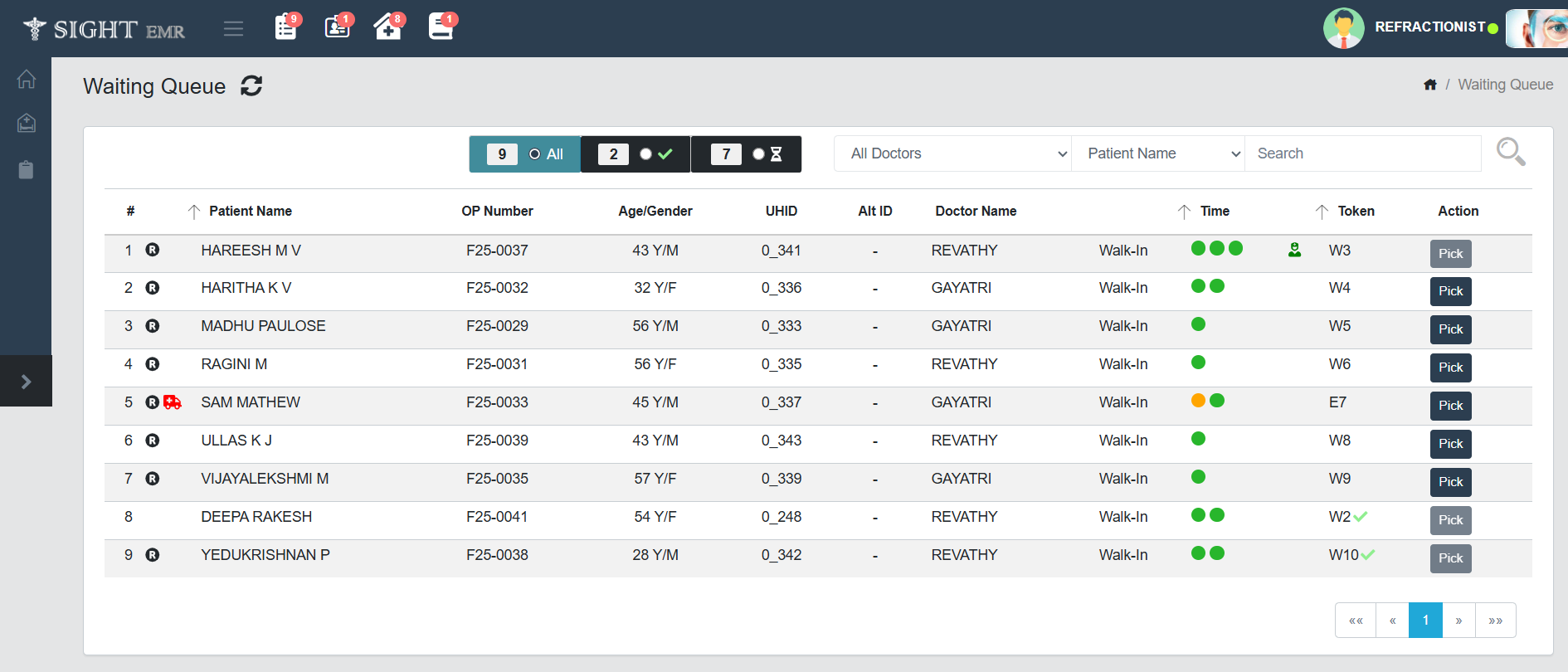
- Click Pick button at the right end to pick the patient from Waiting Queue.
- A tool tip (Refraction In Progress) with human icon (green colour) will be displayed corresponding to the patient when picked by Refractionist.
- Refractionist screen will appear and Refractionist can enter or modify the details.
- Click Save to submit all the details entered.
note
- Refractionist can pick the same patient any time till Dr picks the particular patient.
- Another Refractionist will get a soft warning message, if he/she is trying to pick the same patient