Pick by Doctor
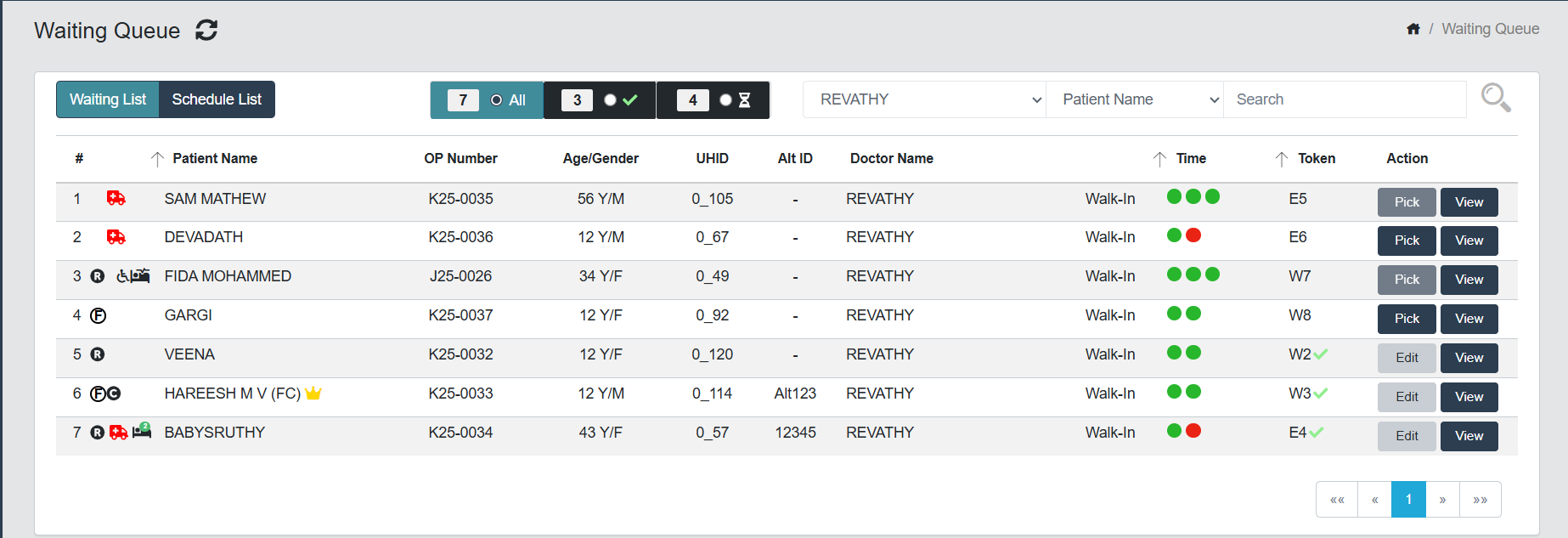
- Click Pick button at the right end to pick the patient from the Waiting Queue.
- Dr Screen will appear and Dr can enter or modify all details
- Dr. can put a patient to Hold Queue if needed.
- Click Save button to submit the details.
- Dr. can intimate counselor by ticking the check box Intimate Counselor at the Procedure/Surgery section in case of Surgery advised patients.
note
The Doctor will get a soft warning message (This patient is picked and in progress by "Refractinoist/Doctor Name"), if a patient is trying to pick by another user (Refractionist/Another Doctor). Only they can pick the patient if the user closes the screen or after saved the patient details.